Find the moment.
Win with video.
Kairell watches your long videos, ranks every moment automatically and turns the best ones into vertical clips with captions — right on your device.
Free plan · No card needed


Drop in hours. Get the minutes that matter.
Podcasts, interviews, streams — two hours or more. Kairell reads every word and every reaction without uploading a single frame.
Every moment, scored and ranked.
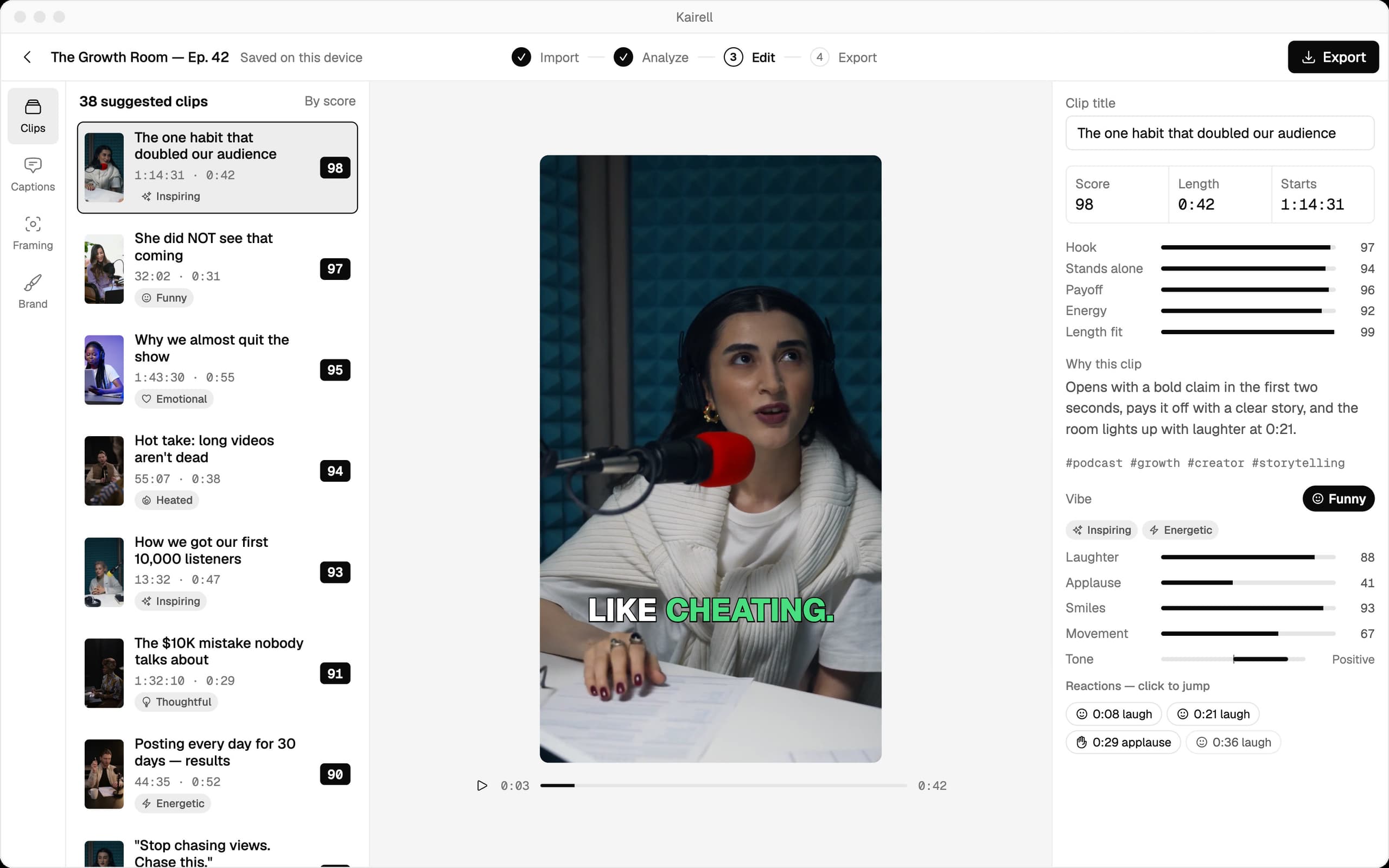
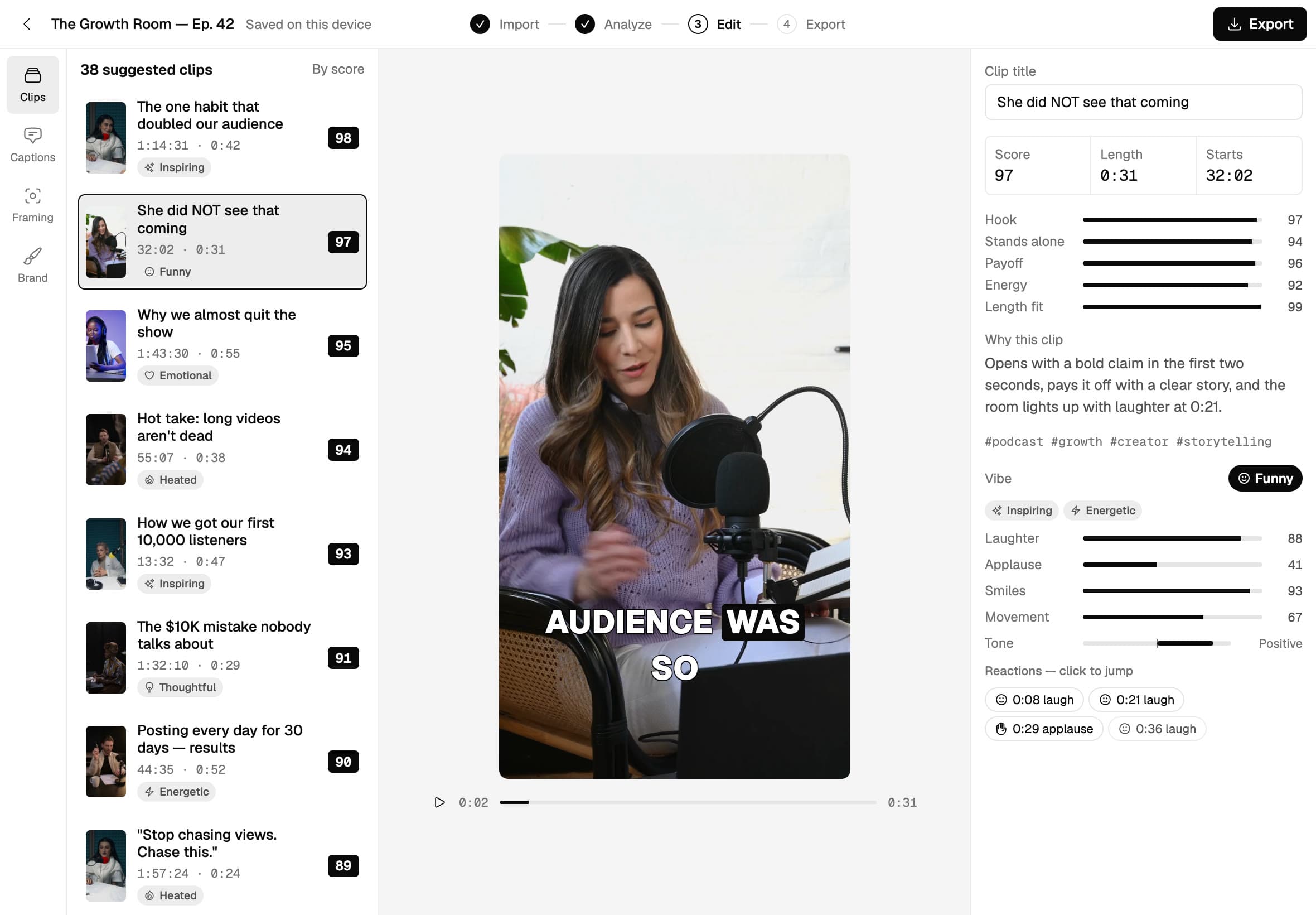
Each clip gets a score for its hook, payoff, energy and length, with a one-line reason why it works.
Framed, captioned, ready to win.
The crop follows whoever is talking, captions land word by word, and every clip exports in 9:16.
Everything Kairell found, in one view.
38 clips from a two-hour episode, ranked by score — with the breakdown, the vibe and the transcript right beside the player.


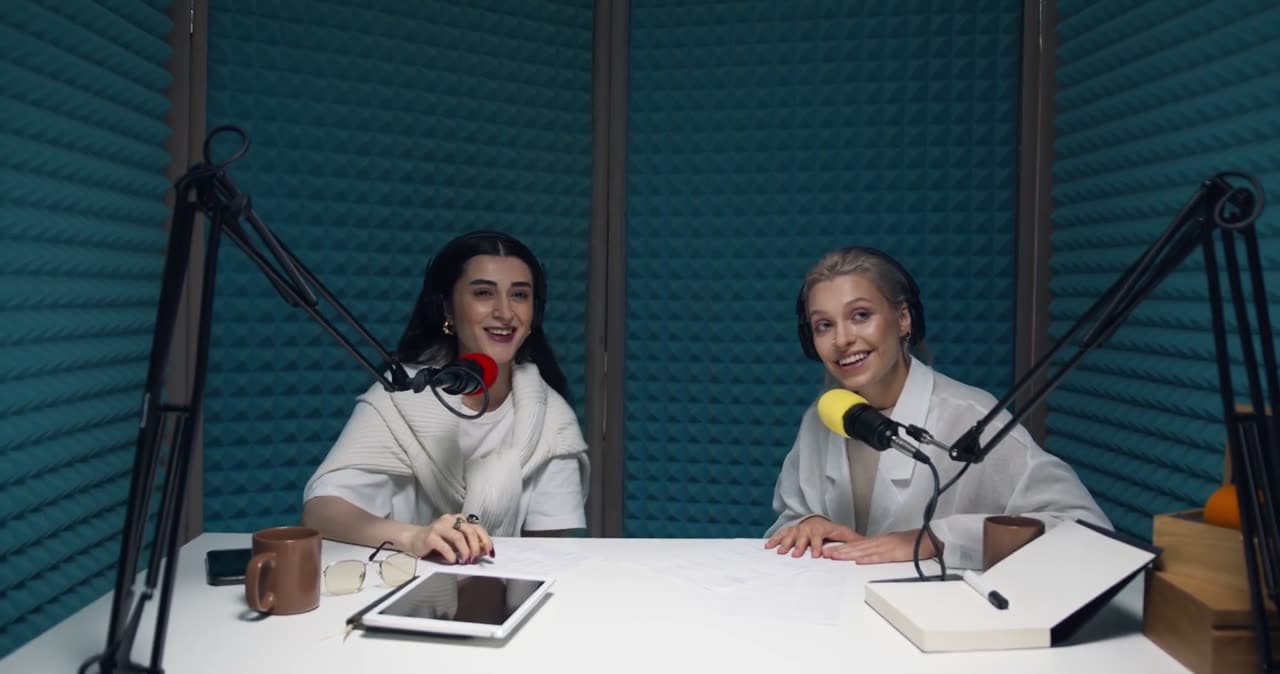
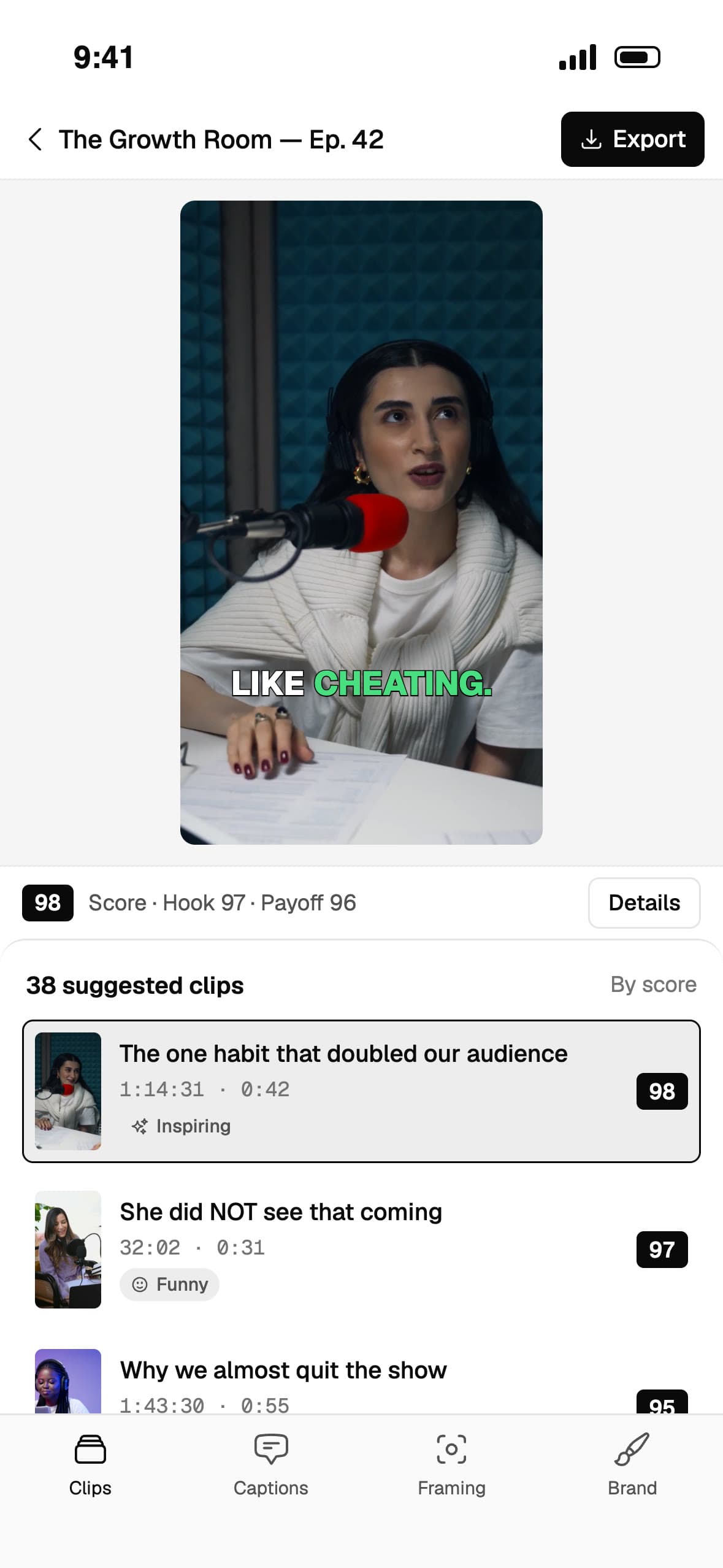
The moments people share.
Kairell looks for what makes people stop scrolling — and tells you why each moment made the cut.
Meet Kairell.
An editor that understands your video.
Ranked automatically
Hook, payoff, energy and length — every moment scored and sorted, best first.
Reads the room
Smiles, laughter, applause and tone show exactly where the energy is.
Follows the speaker
A 9:16 crop that moves to whoever is talking, or a split screen for two.
Captions that pop
Word-level timing in six styles and 90+ languages, with your brand fonts.
Edit by text
Delete words in the transcript and they're cut from the clip. One click removes every “um”.
Private by design
Everything runs on your device. Your footage never touches our servers.
Mac, iPhone and the web. One account.
Start on your Mac, finish on your phone. Your plan and your projects' settings follow you.
Fastest on Apple silicon. Drag in hours of 4K.
Find, edit and post clips from your phone.
Runs in Chrome or Edge on your computer — nothing to install.
Pricing
Your computer does the processing, so there are no minute limits on any plan.
Creator
Popular- 40 projects / month
- Up to 1080p export, no watermark
- Clip finder with scores
- Speaker framing
- Brand kits
- Batch export
Studio
- Unlimited projects
- Up to 4K export, no watermark
- Clip finder with scores
- Speaker framing
- Brand kits
- Batch export
- 3 team seats
By continuing you agree to the Terms and Privacy policy.
Prices may change at any time based on our pricing configuration. If you've already purchased, your current price and plan aren't affected.
Questions and answers.
Do my videos get uploaded anywhere?
No. Files are read from your disk, processed in the browser, and saved back to your disk.
Which devices does Kairell work on?
Mac, iPhone and the web (Chrome or Edge on a computer). One account and one plan work on all three.
What computer do I need?
A recent Chrome or Edge browser and 8 GB of RAM. A recent graphics card makes it several times faster.
Which files can I import?
MP4, MOV, WebM or MKV files from your own device. Only import videos you own or have the rights to use.
How long does a two-hour podcast take?
It depends on your hardware. The app checks your device first and shows an estimate before you start.
Is there a free plan?
Yes. Start free with no card, and upgrade when you need more clips, longer videos or no watermark.
What if I close the tab mid-render?
Progress is saved in your browser, so you can pick up where you left off.